Station Wallet Copywriting
Sharing here screenshots of the current state of the app, followed by tables for entering updated copy. The new copy has been provided by Subvisual and is to be considered a suggestion.
Onboarding
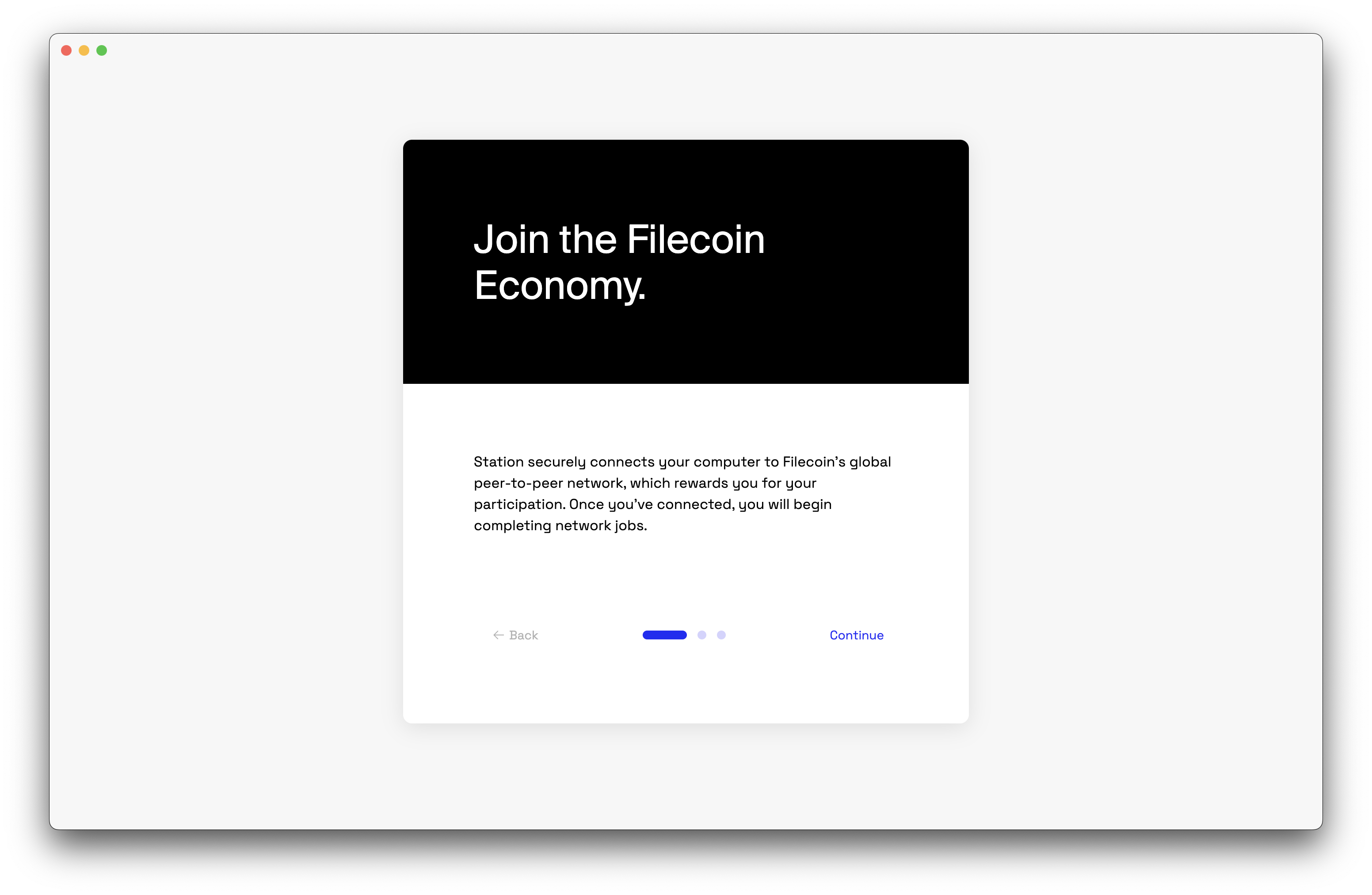
| Introduction Title | ✅ |
| Introduction Body | ✅ |
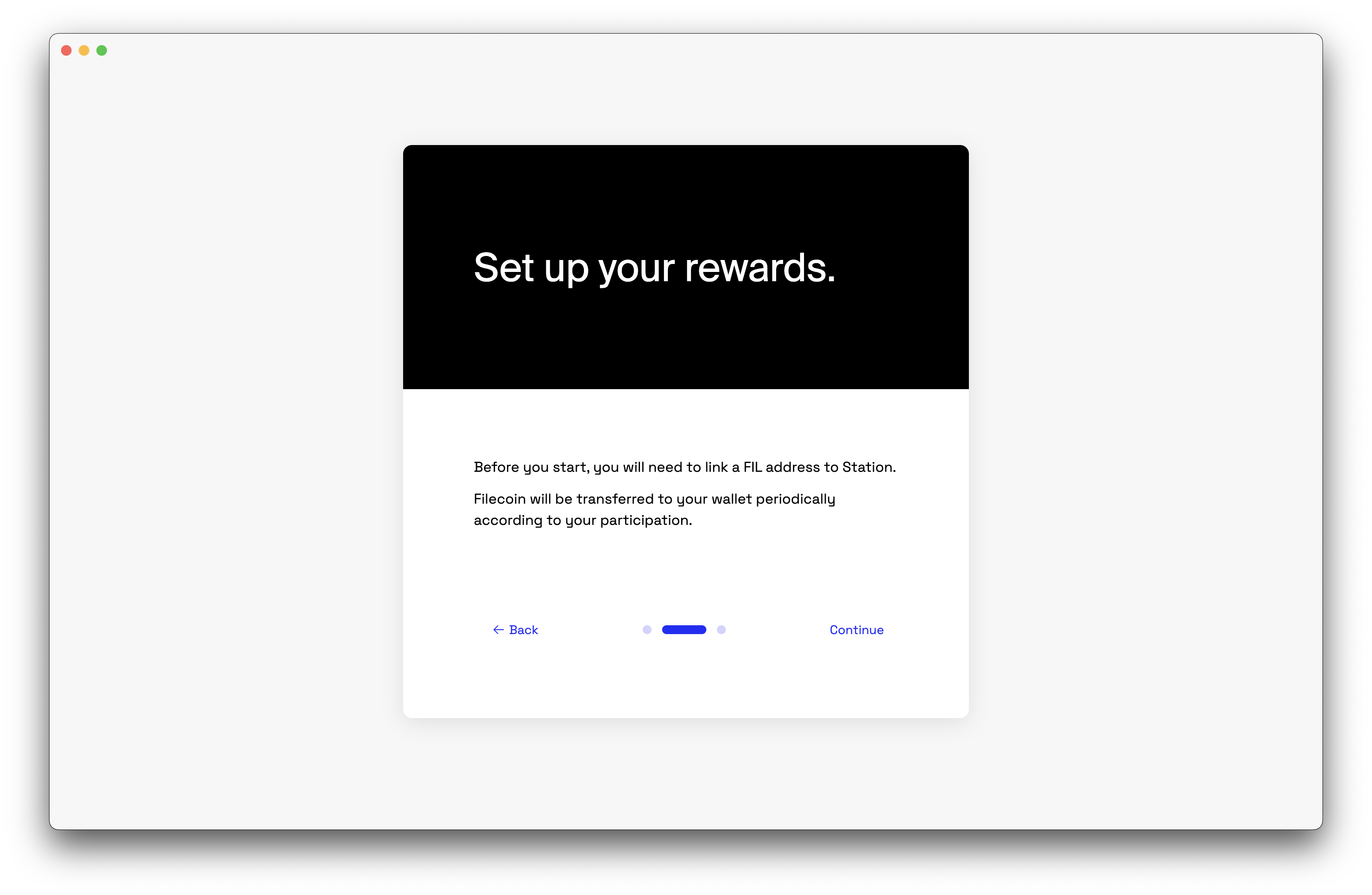
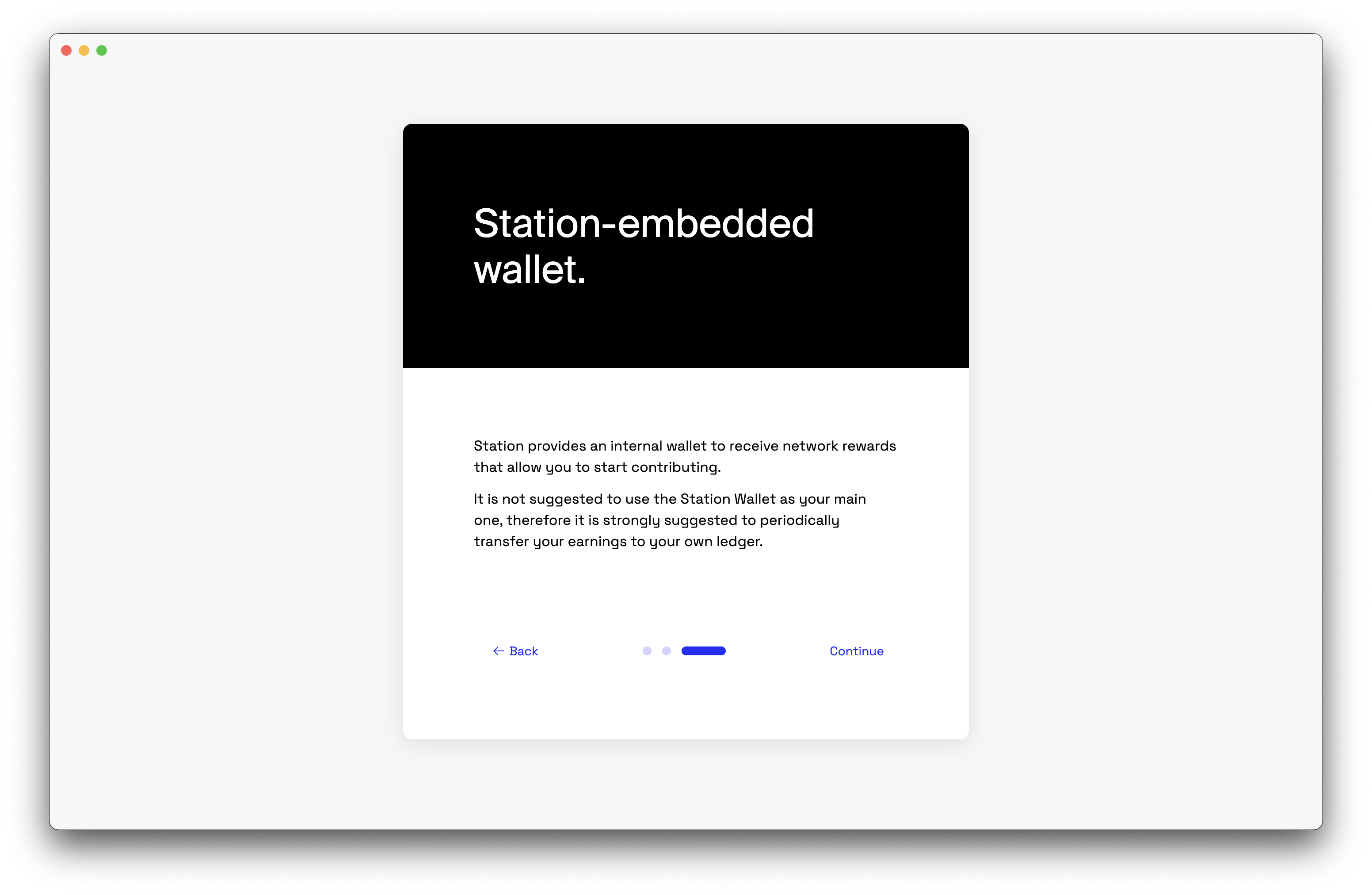
| 2nd Screen Title | Rewards |
| 2nd Screen Body | To get you set up, Station will create a new Filecoin Wallet, just for you. FIL will be transferred to your wallet according to your participation in the economy. |
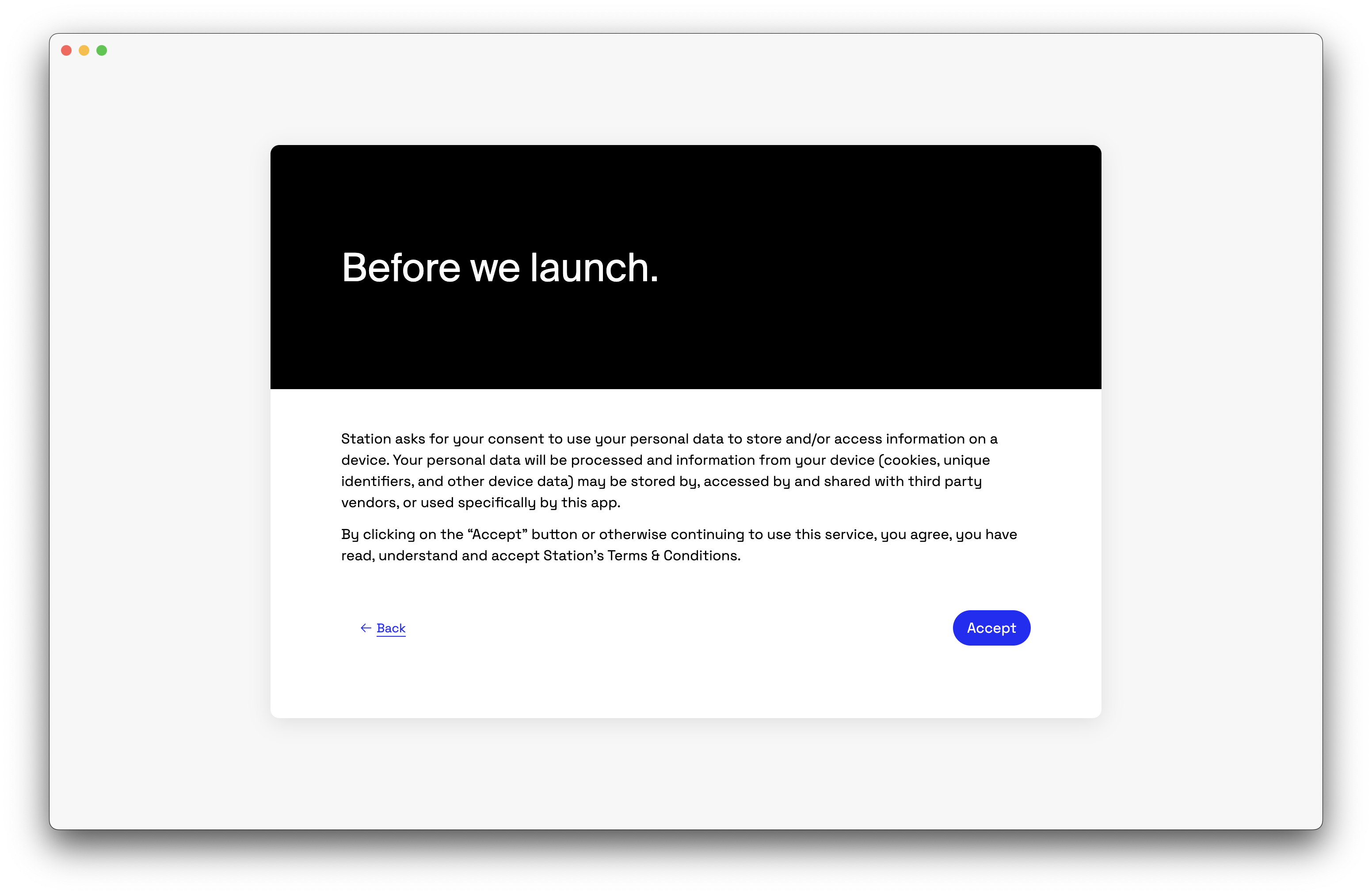
| Consent Title | ✅ |
| Consent Body | ✅ |
Dashboard
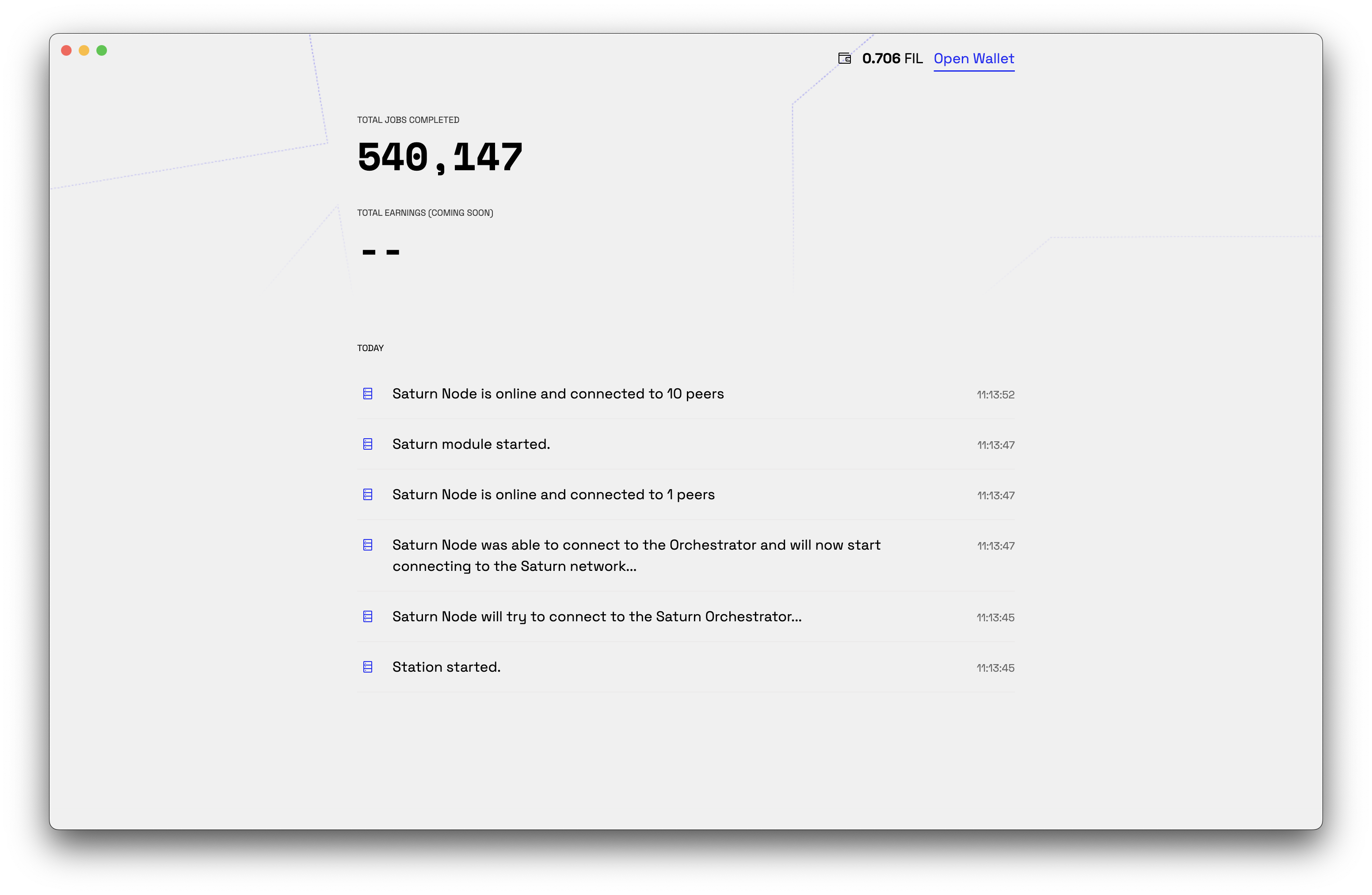
| Link to open wallet | Open Wallet ✅ |
Wallet
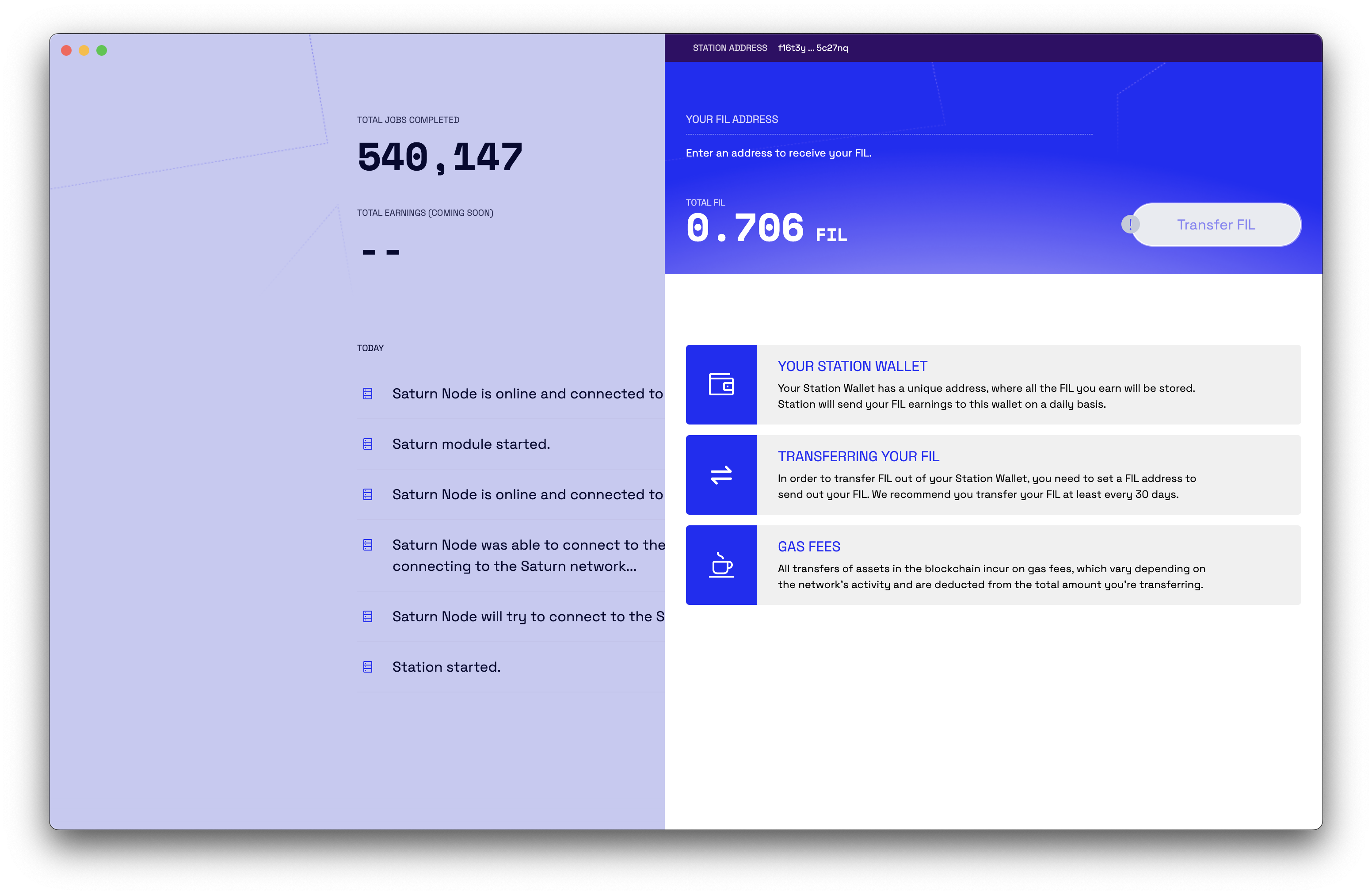
| STATION ADDRESS | YOUR STATION ADDRESS |
| YOUR FIL ADDRESS | DESTINATION ADDRESS |
| Enter an address to receive your FIL. | Enter a destination address for the transfer |
| TOTAL FIL | ✅ |
| Transfer FIL | ✅ |
| Help 1 | YOUR STATION WALLET Your Station Wallet has a unique address, where all the FIL you earn will be stored. Station will send FIL to this wallet on a regular basis, based on your contributions. |
| Help 2 | TRANSFERRING YOUR FIL In order to transfer FIL out of your Station Wallet, you need to set a destination FIL address to which to send your FIL. We recommend you regularly transfer the FIL in your Station Wallet to a more secure wallet. |
| Help 3 | GAS FEES All transactions on the blockchain incur a small gas fee, which can vary depending on network activity. This is deducted from the total amount you are transferring. |
Not shown yet:
Not shown yet:
| Loading | Fetching previous transactions… |
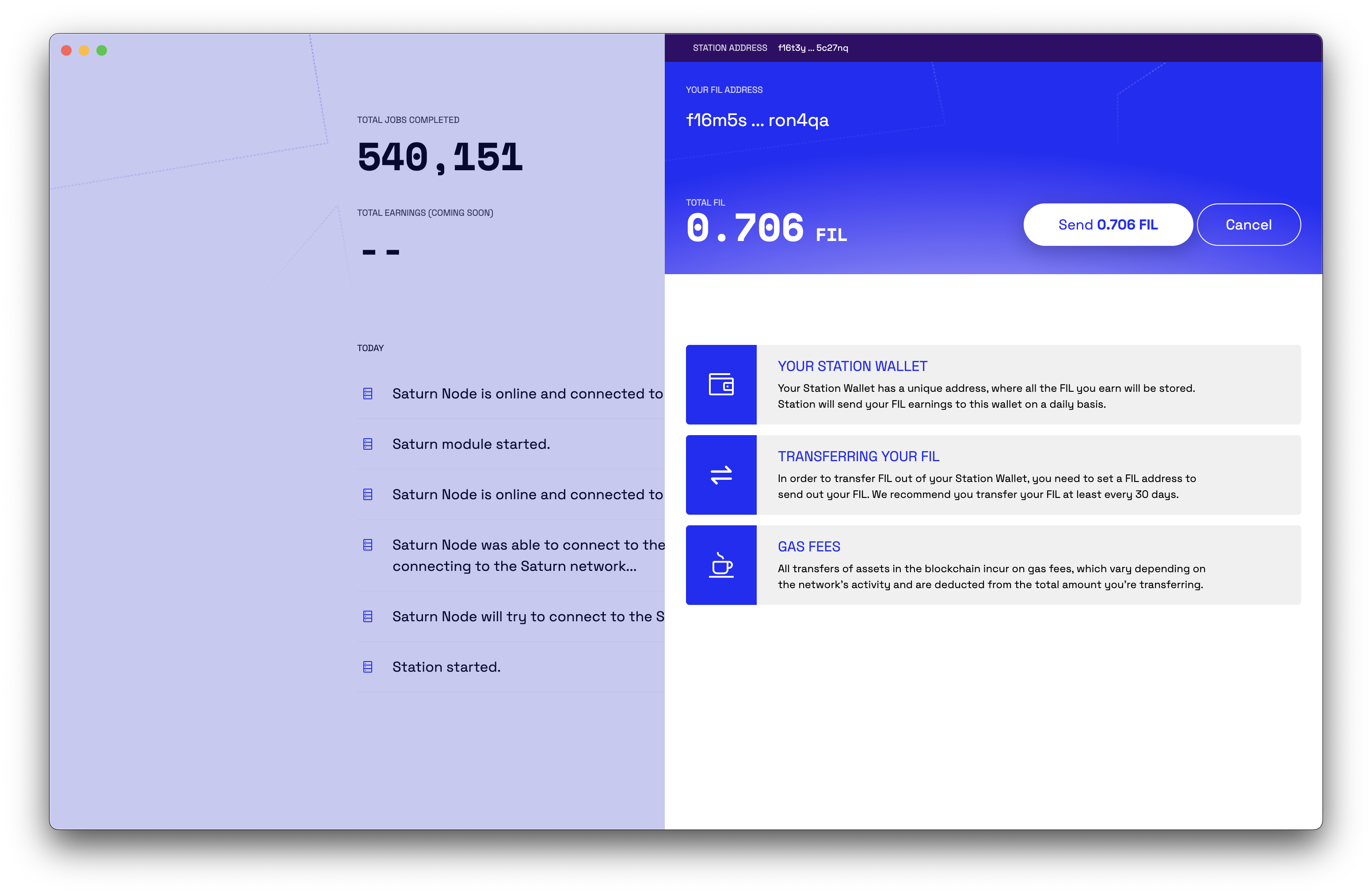
| Send X FIL | ✅ |
| Cancel | ✅ |
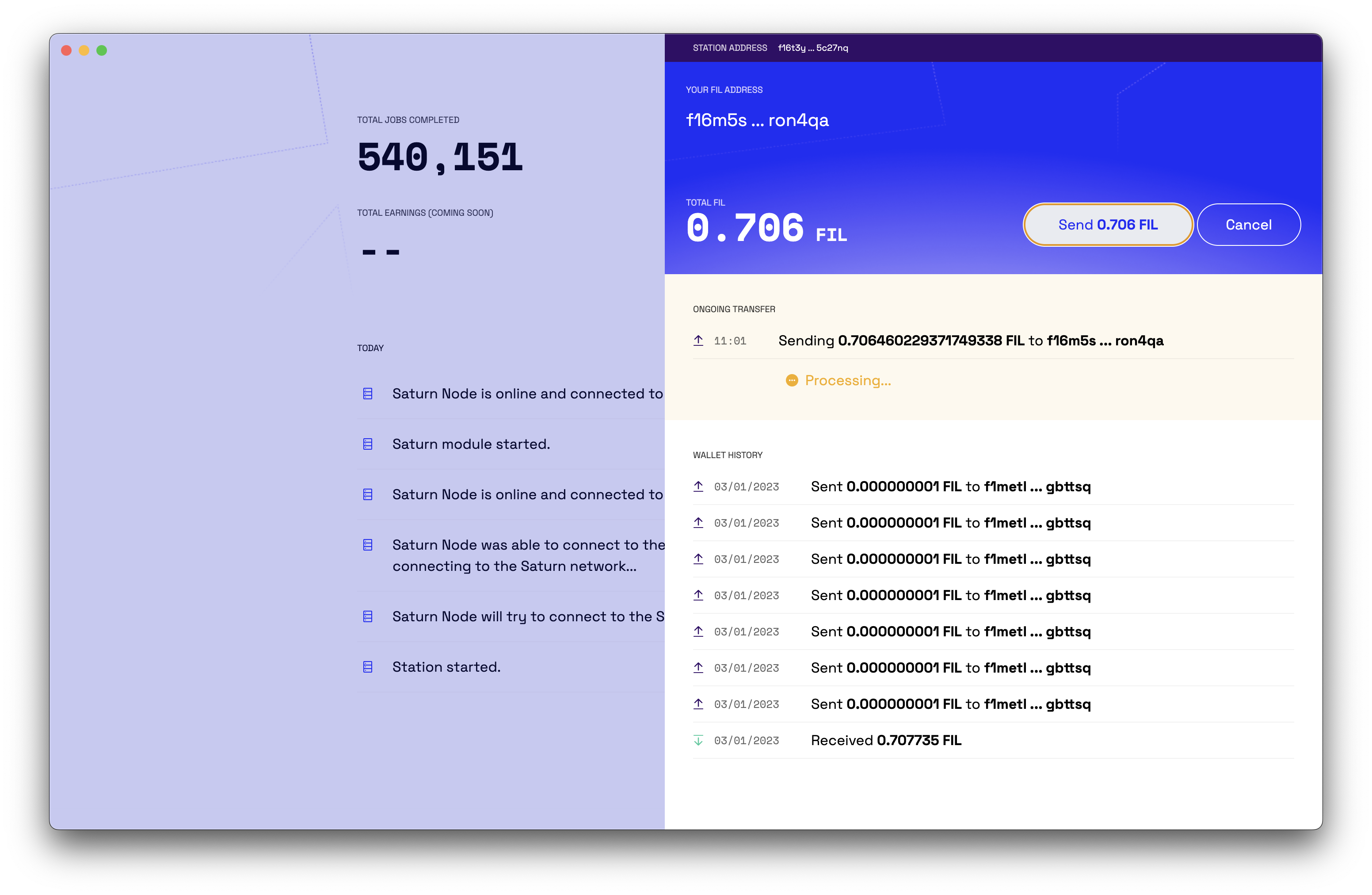
| ONGOING TRANSFER | ✅ |
| Sending X FIL to Y | ✅ |
| Processing… | ✅ |
| Failed | ✅ |
| Sent | ✅ |
| Sent X FIL to Y | ✅ |
| Received X FIL | ✅ |
End of doc